














QR Codes on Promotional Merchandise: Buyer Tracking Guide
Trackable merch only works with clean UTMs and scannable print size.
 By Promogator Staff
•
•
4 min read

Putting QR codes on promotional merchandise turns custom printed pens, notebooks, and labels into trackable campaign surfaces — if the destination URL is tagged cleanly and the print size stays scannable.
Quick answer: Put a short landing URL with consistent UTM parameters behind every code, print the code large enough to scan, test on multiple phones before production, and never invent scan-rate claims. Google Analytics guidance requires
utm_source,utm_medium, andutm_campaignon campaign URLs.
What QR codes on promotional merchandise are actually for
A logo alone cannot tell you whether the notebook on a prospect’s desk drove a demo request. A QR code can send that person to a landing page, form, or resource hub while your analytics tools record the visit — but only when the encoded URL carries campaign parameters and the physical print is readable.
Good fits:
- Pens handed at booths or client meetings that open a booking or sample request page
- Notebook covers or inside covers that open a campaign microsite
- Product labels or belly bands that deep-link to a how-to, warranty, or reorder page
Weak fits: tiny barrel prints that crush the code, glossy finishes that glare under phone cameras, and static codes that cannot be updated if the campaign URL changes after printing.
UTM hygiene for QR codes on promotional merchandise
Google’s Analytics help on collecting campaign data with custom URLs states you should always use utm_source, utm_medium, and utm_campaign, and notes that parameter values are case sensitive — utm_source=google differs from utm_source=Google (Google Analytics Help: URL builders / custom campaign URLs).
Practical naming rules for merch:
- Use lowercase hyphenated values only
- Set one consistent
utm_mediumfor printed codes (for exampleqrorqr-code) across the whole program - Put the physical item in
utm_source(pen, notebook, label) or inutm_contentif source is the campaign channel - Date-stamp
utm_campaignso next year’s reprint does not collide in reports - Document the convention in a one-page sheet shared with whoever generates codes
Example pattern (illustrative): https://www.example.com/demo?utm_source=pen&utm_medium=qr&utm_campaign=q4-field-2026&utm_content=barrel

Print and product choices that keep codes scannable
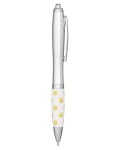
Pens offer limited real estate — reserve QR for clip cards, barrel wraps only when the code is large enough, or pair the pen with a card. Notebooks give a better canvas on the cover or first page. Pocket notebooks with pens combine a writing tool and a scannable panel when the code sits on the cover, not crushed into a corner.
Catalog picks for campaigns that need imprint space:
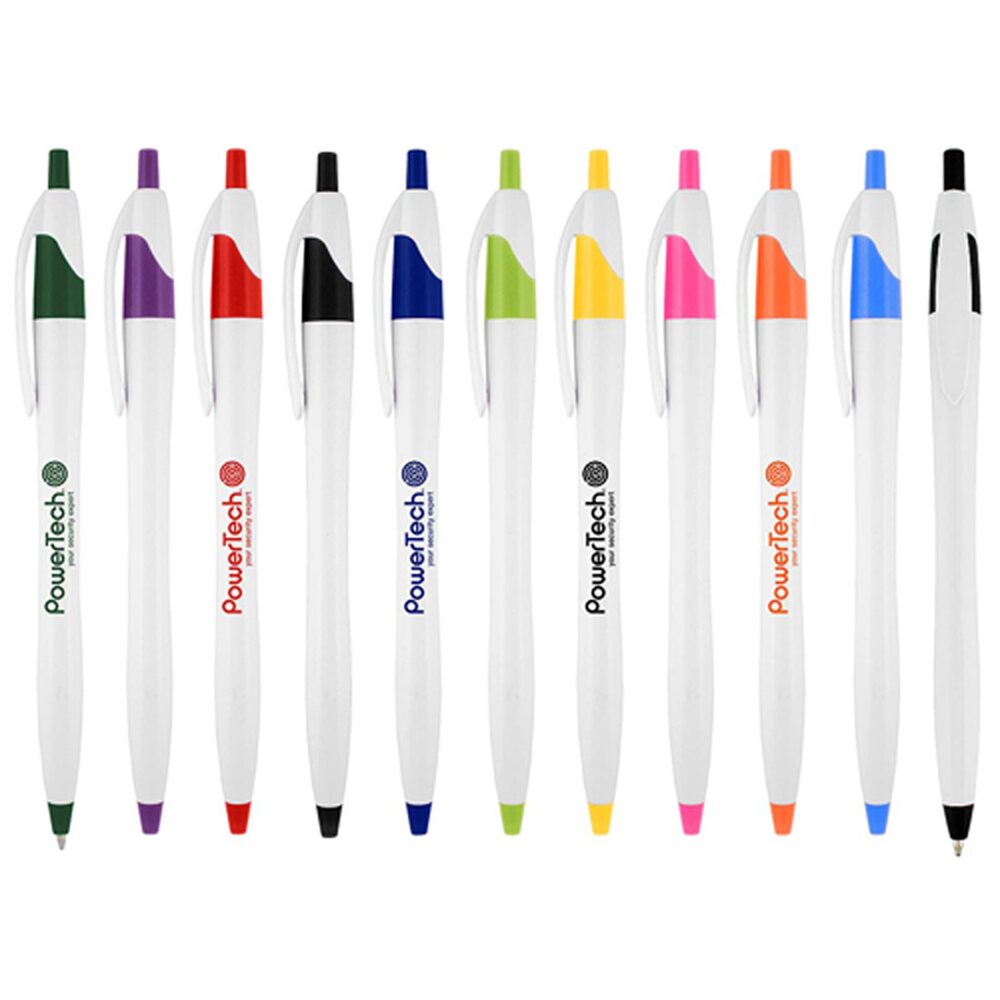
- JetStream Ballpoint Click Pen — high-volume writing giveaway; pair with a QR card if the barrel is too narrow
- Prisma Recycled Paper Journal Notebook — cover real estate for a clean code plus logo
- FSC Mix 4" x 6" Pocket Spiral Notebook with Pen — pocket kit for field teams who need both write and scan
Each of these works as a custom printed surface for QR codes on promotional merchandise when the code is large enough to scan.

Production checklist for QR codes on promotional merchandise before you approve the proof
- Encode a final, live HTTPS URL with UTMs — no placeholders.
- Scan with iOS and Android cameras in bright and low light.
- Confirm the landing page fires your analytics tag.
- Keep quiet zone (margin) around the code; do not crowd it with other artwork.
- Approve the proof the same day it arrives so Promogator production days can start (business days after proof approval; 4 PM Pacific cutoff; see Rush Services).
We are not publishing adoption statistics here. Scan rates vary by placement, audience, and creative; cite only your own analytics after the campaign runs, or third-party research you have actually fetched.
Governance so QR codes on promotional merchandise stay measurable
Assign one owner for UTM naming, one owner for landing-page QA, and one owner for print proofs. Store the final encoded URLs in the same sheet as SKUs and quantities. After the campaign, export acquisition reports filtered to your chosen medium value and archive them with the merch PO number so next year’s team inherits real results instead of guesses.
FAQ
Should every promo product get a QR code? No — only items with enough imprint area and a clear post-scan action. Static or dynamic codes? Prefer codes you can retarget if the campaign URL may change after print. What UTMs are required? Google’s guidance: always include source, medium, and campaign.
Sources
- https://support.google.com/analytics/answer/10917952 (Google Analytics Help — custom campaign URLs / UTM parameters)
- https://www.promogator.com/rush-services
- https://www.promogator.com/artwork-requirements
Written with AI assistance and reviewed by Promogator Staff. Our editorial standards
Promogator Staff
Written and reviewed by the Promogator team. Our editorial standards
Products mentioned in this article
Live pricing — updated Nov 18, 2026.


Need a quote?
Tell us what you have in mind and we will come back with pricing, lead times and options — no obligation.



