





















How can I preview my logo on a shirt before ordering?
 By Promogator Staff
Reviewed Nov 6, 2026 2 min read
Use an online mockup tool. Upload your logo, pick a shirt, and see the logo placed on it in seconds. For a precise preview, order a free digital proof. It shows your logo on the real shirt in your color, with imprint size, placement, PMS colors and decoration method. Nothing prints until you approve it.
- Online mockup tools show your logo on a shirt in seconds.
- A digital proof is the precise preview, and it is free on every order.
- Vector art gives the cleanest preview and the cleanest print.
- Nothing goes to production until you approve the proof.
- Screens and fabric can make the final shirt look slightly different.
There are two kinds of previews. A quick mockup helps you choose. A proof confirms what you will actually get. Most people use both.
Quick preview: mockup tools
A mockup tool puts your logo on a picture of a shirt. You can compare colors, try a chest or sleeve location and show the result to your team.
Promogator has two free tools for this. Logo Live shows your logo on many products at once, so you can scan for shirts you like. Design Online lets you place the logo, add text and set colors on one product yourself.
A mockup is a visual guide. It is not a production file, so it does not lock in size, ink colors or the decoration method.
Exact preview: the digital proof
After you order, our in-house design team makes a free digital proof (e-proof). It shows:
- Your logo on the actual shirt in your chosen color
- The imprint size and placement
- PMS (Pantone) colors
- The imprint method
- An order summary
Revisions are unlimited and free. Nothing goes to production until you approve. Read the proof carefully, because approved proofs are treated as final.
DTF, DTG and heat transfer: what changes on the shirt
These three methods all print full-color artwork, so photos and gradients preview well. They still look a little different on fabric.
- DTF (direct-to-film): the design is printed on film and pressed onto the shirt. It works on many fabrics and colors.
- DTG (direct-to-garment): ink is printed directly into the fabric. It feels softer and works best on cotton.
- Heat transfer: a pre-made transfer is pressed on. It suits logos and simple designs.
Each product page lists the methods that product offers. See imprint methods for a side-by-side look.
Tips for a better preview
- Upload vector art (AI, EPS, SVG or PDF) when you can. High-resolution PNG with a transparent background also works.
- Include your PMS numbers if you know them. If not, we match the closest ones and list them on the proof.
- Keep text readable. Very small text and hairline details may not reproduce well.
- Remember that screens vary. Shirt color and ink can look different on your monitor than in person.
- Want to feel the fabric first? You can request a blank sample to check color, weight and feel.
Common mistakes
Don't treat a mockup as your final approval. Don't send a tiny, blurry image and expect a sharp print. Don't skip the proof check on spelling and logo placement.
Step by step
-
Pick a shirt
Browse custom t-shirts and choose a style and color. Check which imprint methods the product page lists.
-
Upload your logo
Add your file to Logo Live or Design Online. Vector files or high-resolution PNGs with transparent backgrounds look best.
-
Adjust the design
Move the logo, resize it, add text and try colors. Compare a chest print with other locations.
-
Order and send artwork
Choose quantity, colors and imprint at checkout and upload your art. Add PMS numbers if you have them.
-
Review the free proof
Our design team sends a digital proof, most within about 24 hours. Check size, placement, colors and spelling.
-
Approve or request changes
Ask for as many revisions as you need. Production starts only after you approve.
Products that work for this
Real examples from our catalog, with live pricing. Tap one to see it with your logo.


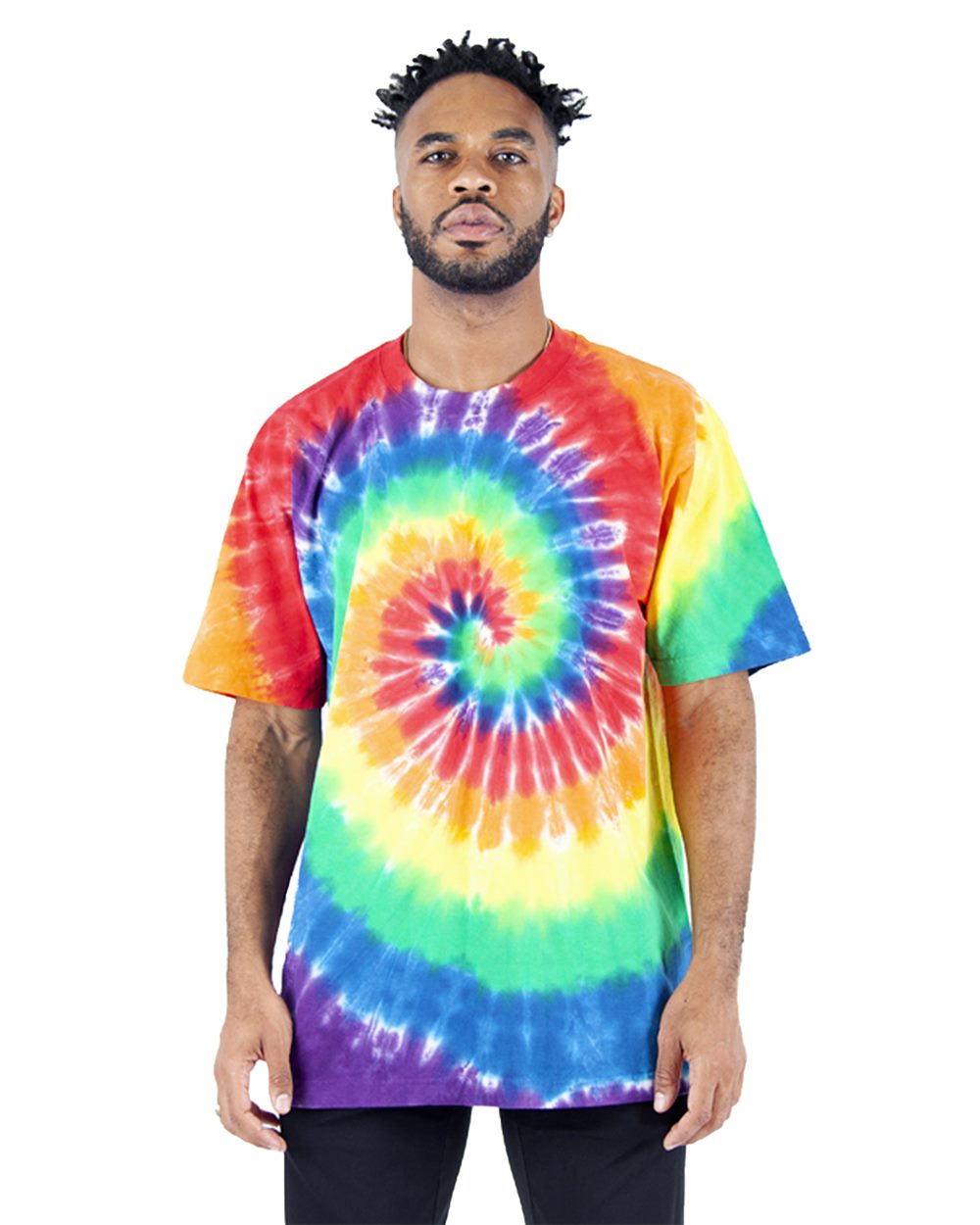

Shop T-Shirts
See all →


People also ask
Can I see my logo on a t-shirt online?
Yes. Upload your logo to Logo Live to see it on many products, including t-shirts. It is free and takes seconds. For exact size and placement, review the digital proof that comes with your order.
Is there a mockup tool for custom apparel?
Yes. Design Online lets you place your logo, add text and set colors on the product yourself, free. Logo Live shows your logo across many items at once so you can compare.
How do I design a shirt online?
Pick a shirt, upload your logo, then place it and add text in a design tool. Choose an imprint method the product offers. Our design team then makes a free proof for you to approve.
Is the proof the same as the finished shirt?
It is very close, but the final shirt can differ slightly because of fabric, imprint method and screen colors. PMS colors are used for exact matching.
Ask PromoAI these questions
Tap one and PromoAI searches our live catalog and answers in seconds.

